
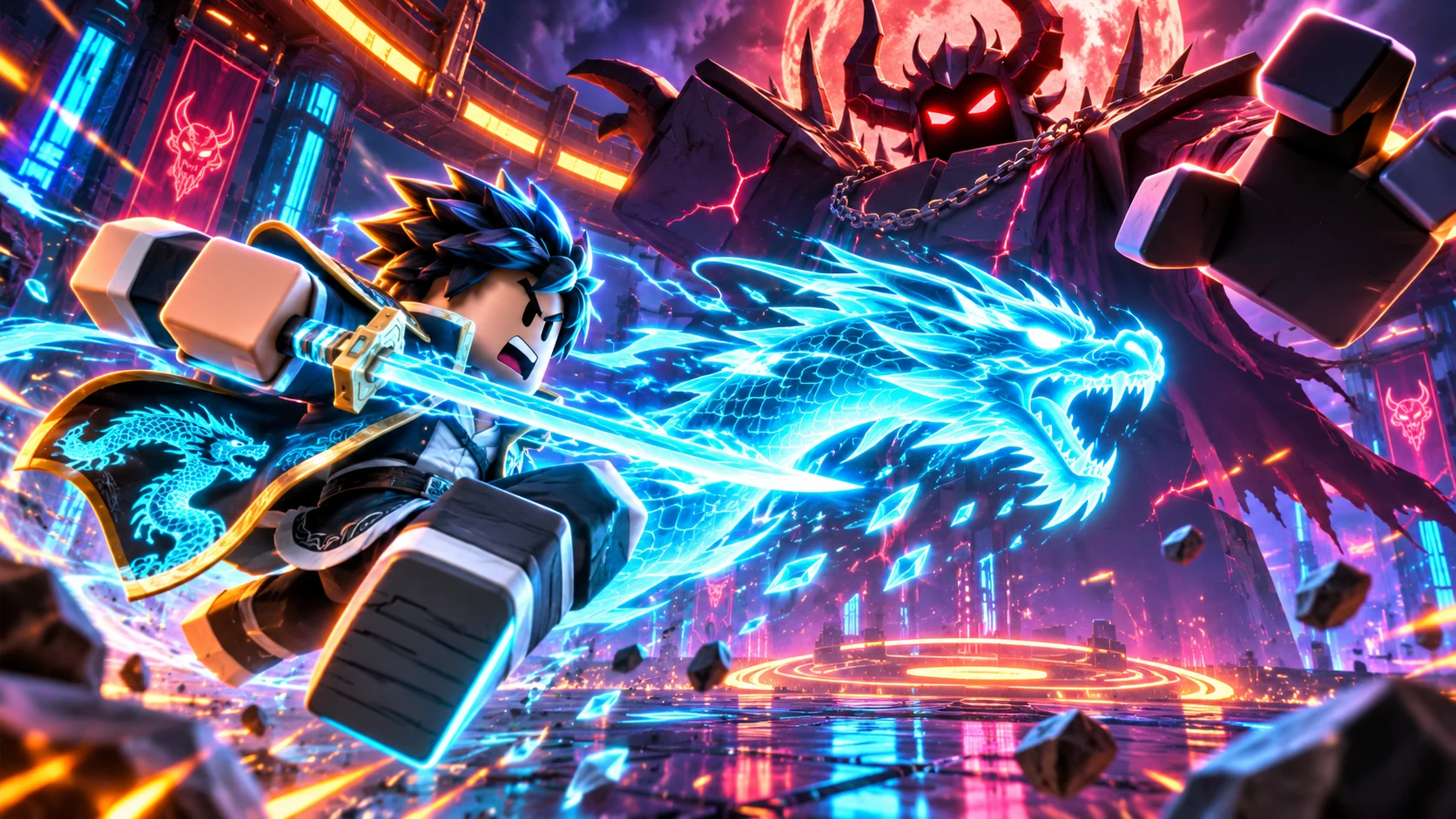
16:9 Thumbnail1920×1080
Anime
Skyblade Duel
Anime · Thumbnail
Prompt Recipe
Heroic blocky anime warrior mid-air unleashing a glowing electric cyan dragon energy slash against a giant shadowy boss in a neon arena, Blender Cycles glossy 3D render.
Built for Roblox Developers
Ship front-page Roblox visuals without waiting days on commissions. Generate 16:9 game thumbnails, 1:1 icons, 3D GFX, and avatars with AI—then check 150px readability and edit titles for 0 extra credits.
16:9 safe zone · Leave the bottom 20% clear
0 credits · Instant PNG export
Studio Showcase
Explore Roblox-ready formats by genre and copy any prompt recipe directly into the studio.
Anime · Thumbnail
Heroic blocky anime warrior mid-air unleashing a glowing electric cyan dragon energy slash against a giant shadowy boss in a neon arena, Blender Cycles glossy 3D render.
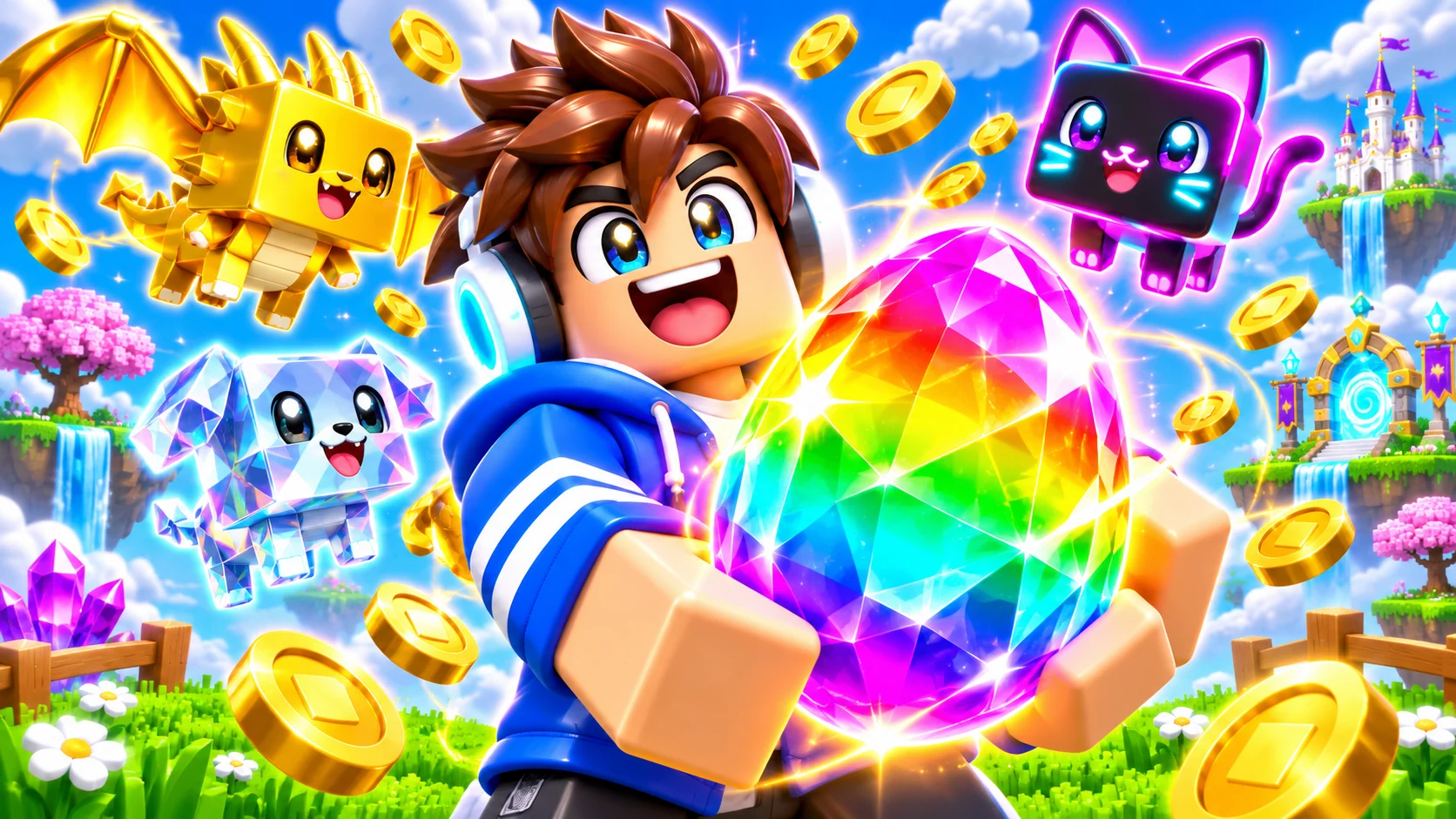
Simulator · Thumbnail
Excited blocky character holding a giant glowing rainbow crystal pet egg surrounded by cute floating cube pets and flying gold coins on a sunny sky island, glossy 3D render.
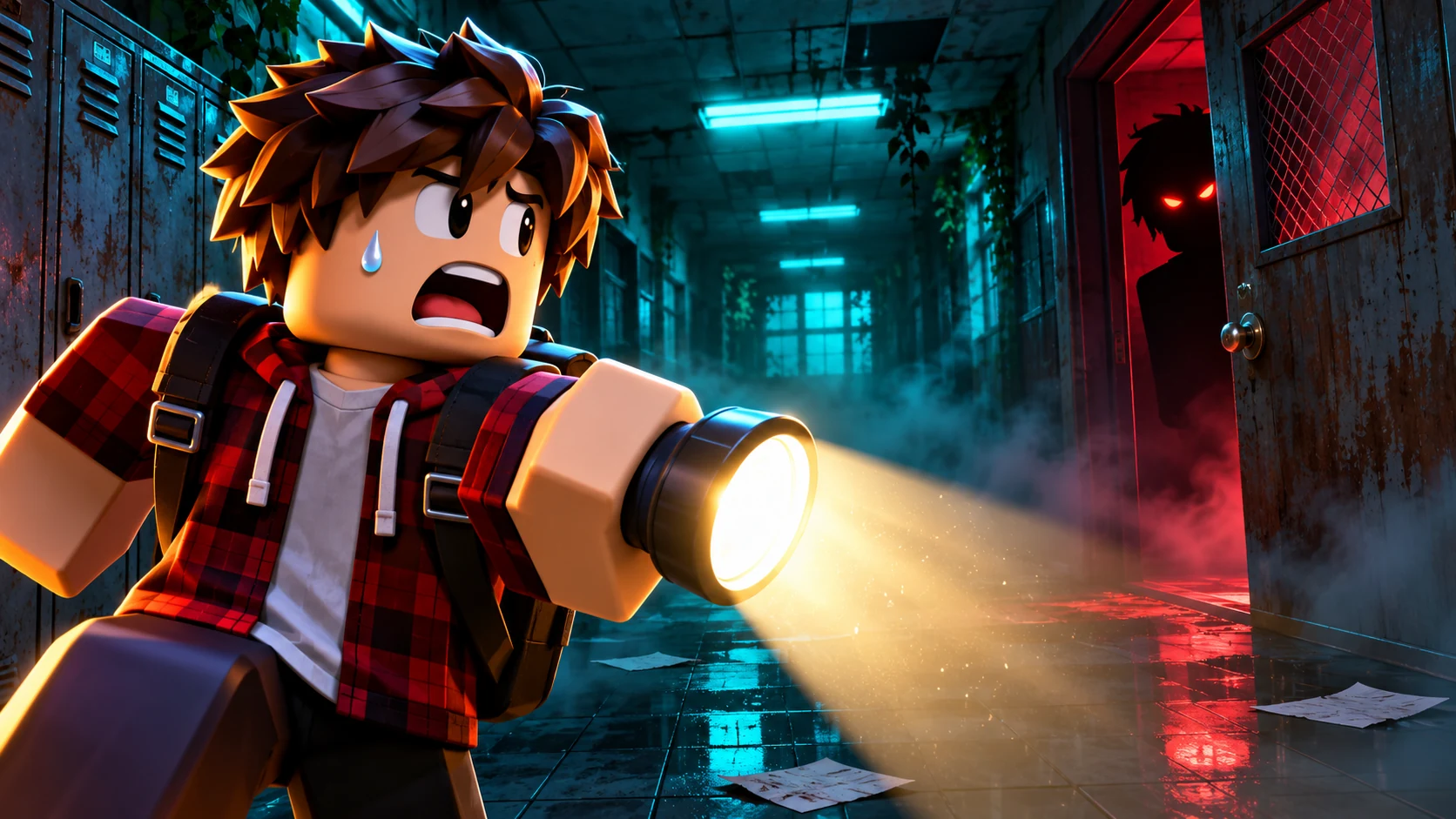
Horror · Thumbnail
Scared blocky survivor shining a bright volumetric flashlight down a dark foggy school hallway as a tall dark figure with glowing crimson eyes peeks from a half-open door.
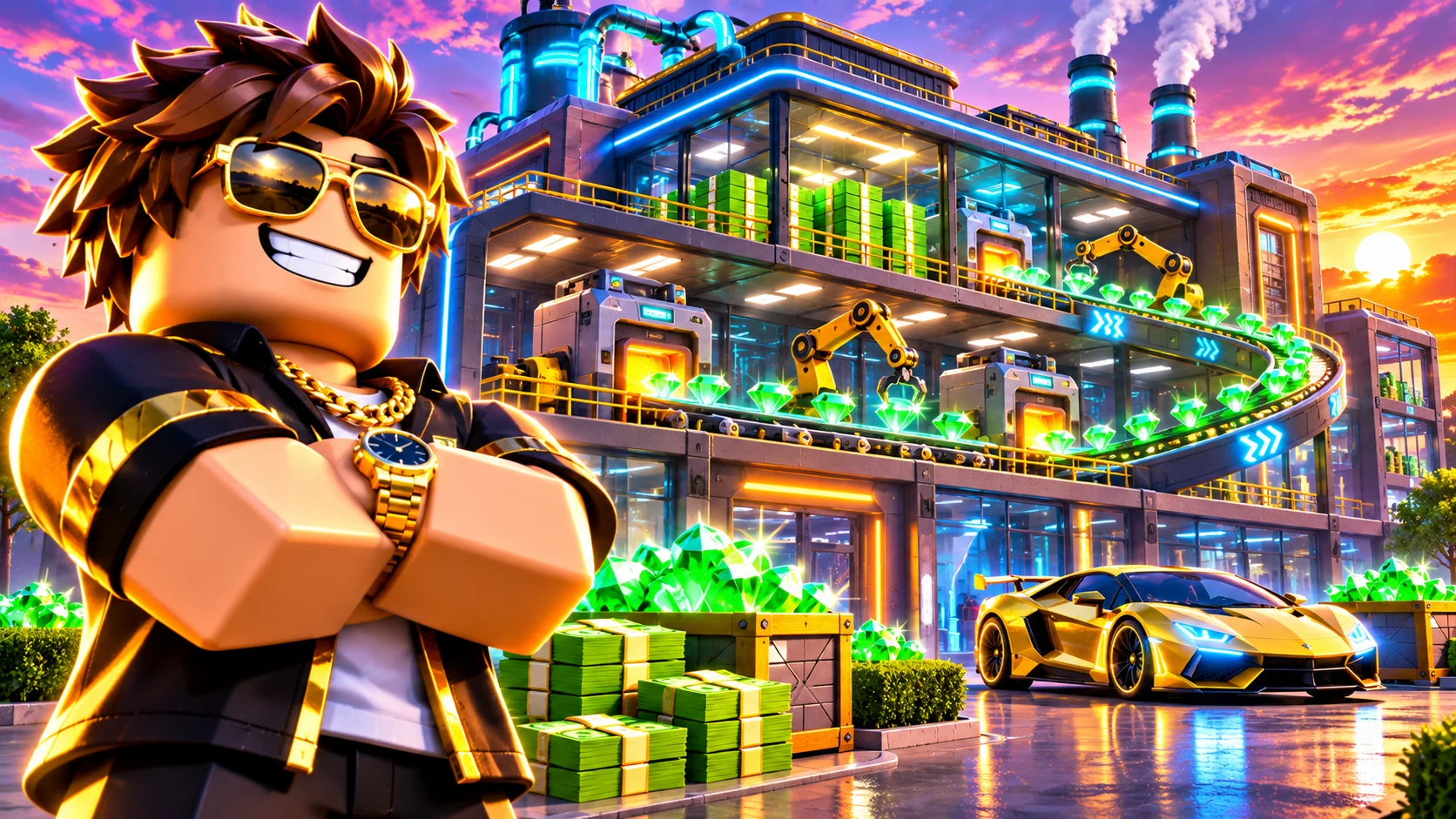
Tycoon · Thumbnail
Proud blocky tycoon wearing golden sunglasses in front of a multi-story futuristic mega factory with neon emerald conveyors, cash stacks, and a sports car at sunset.
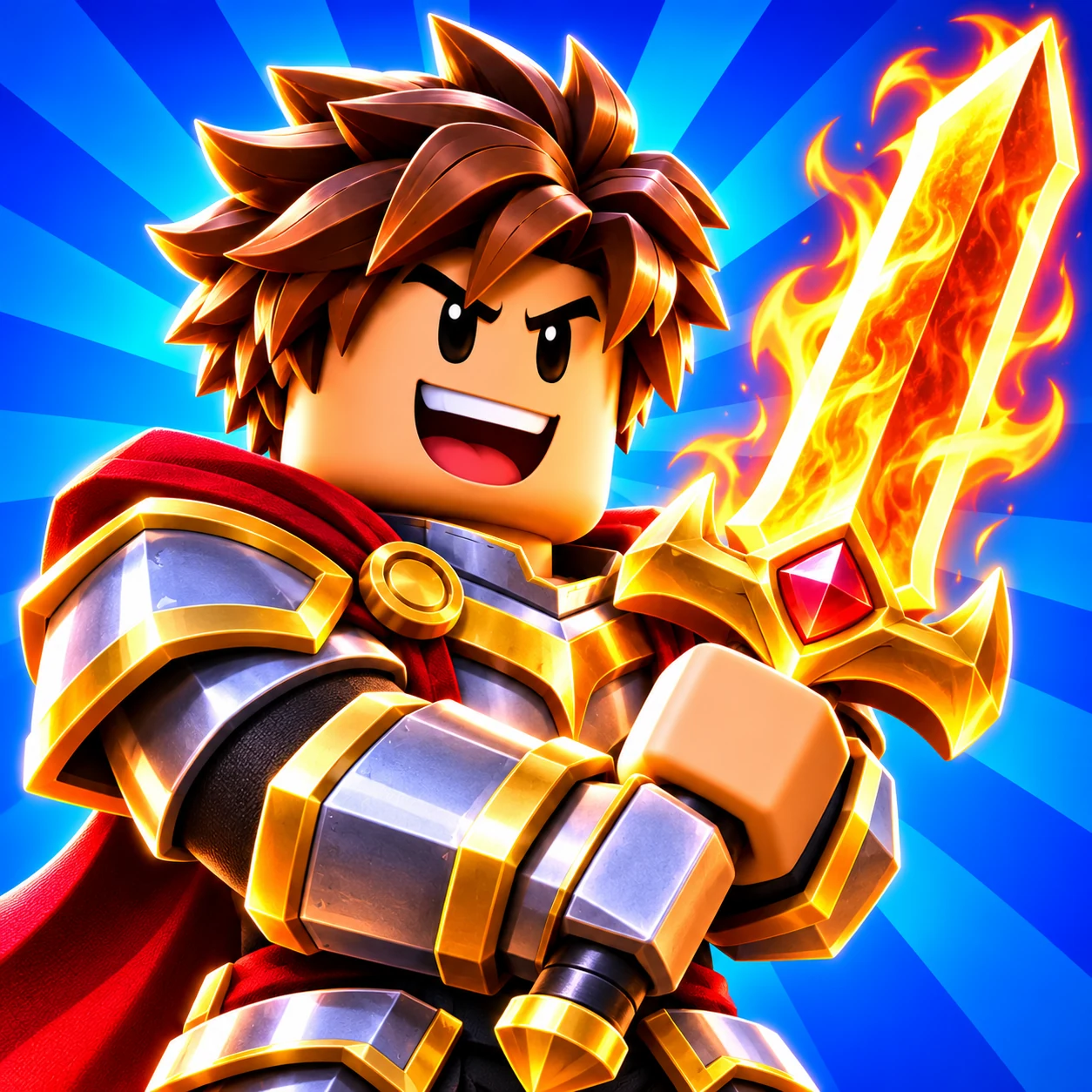
Fantasy · Game Icon
Close-up centered 1:1 game icon of a smiling blocky armored knight raising a blazing orange fire sword against a vibrant royal-blue sunburst background.
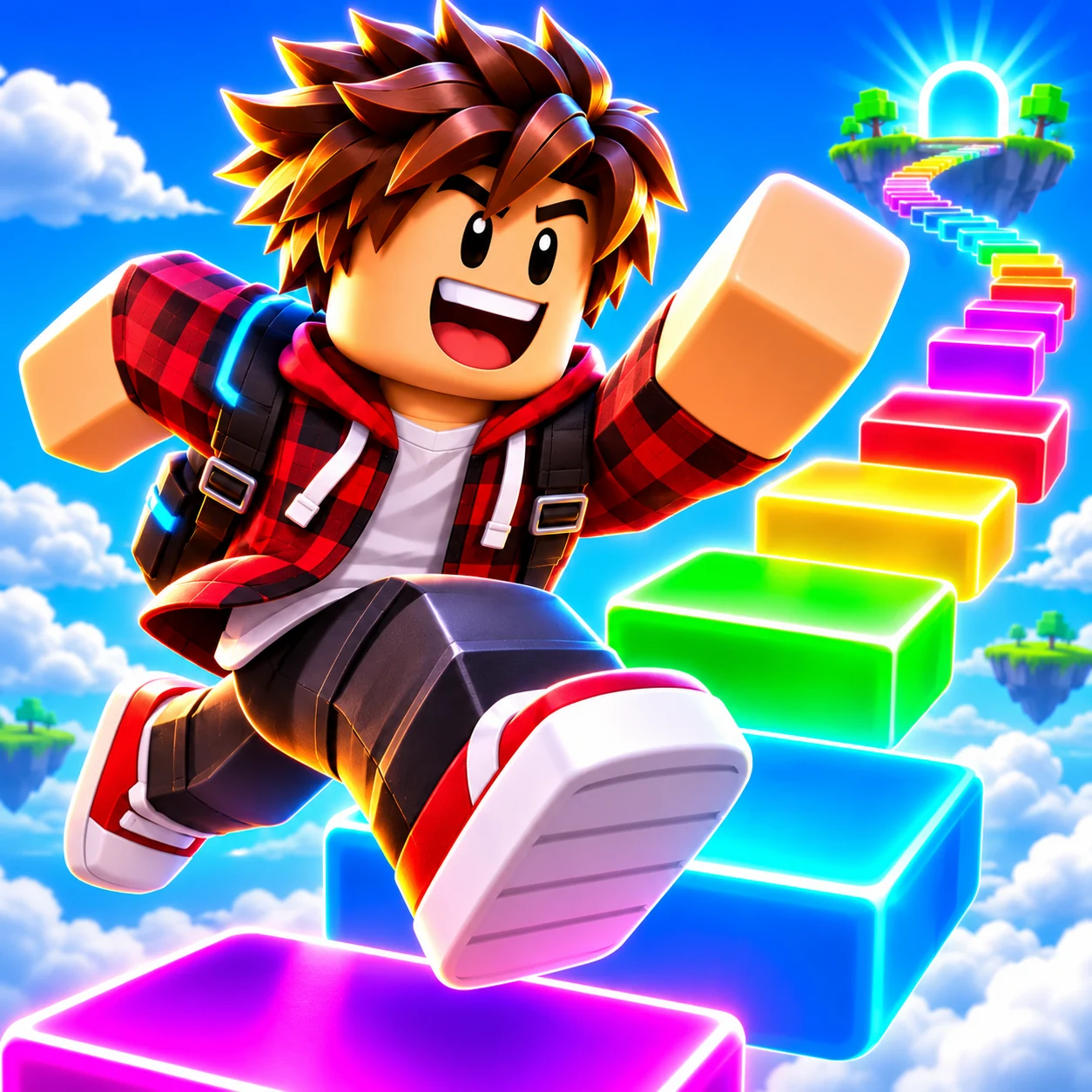
Obby · Game Icon
Smiling blocky runner mid-leap over glowing neon rainbow floating obby blocks high above fluffy white clouds against a vivid sky-blue background.
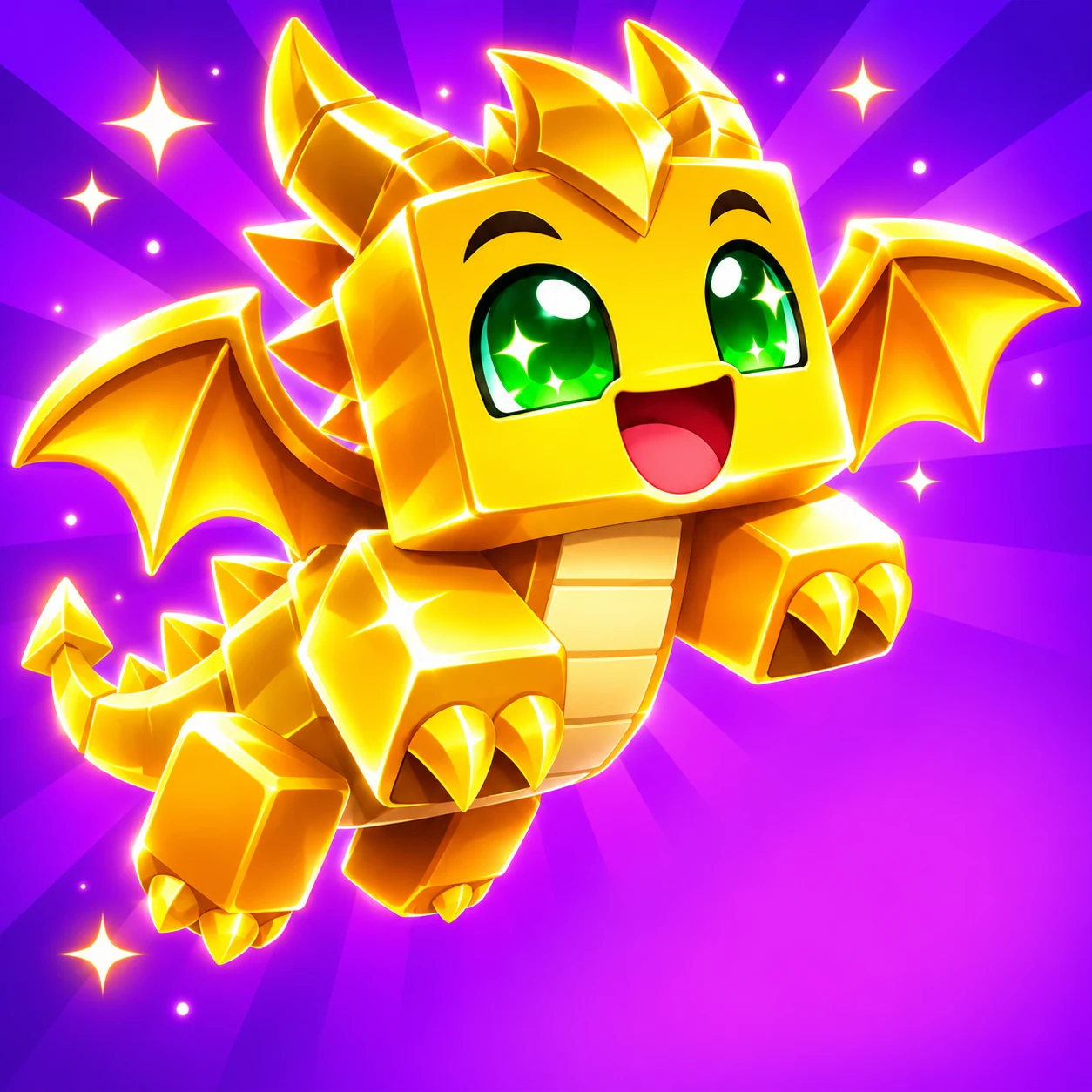
Pets · Game Icon
Cute shiny golden blocky dragon pet smiling with sparkling emerald eyes over a vibrant purple-to-magenta radial sunburst with glowing stars.
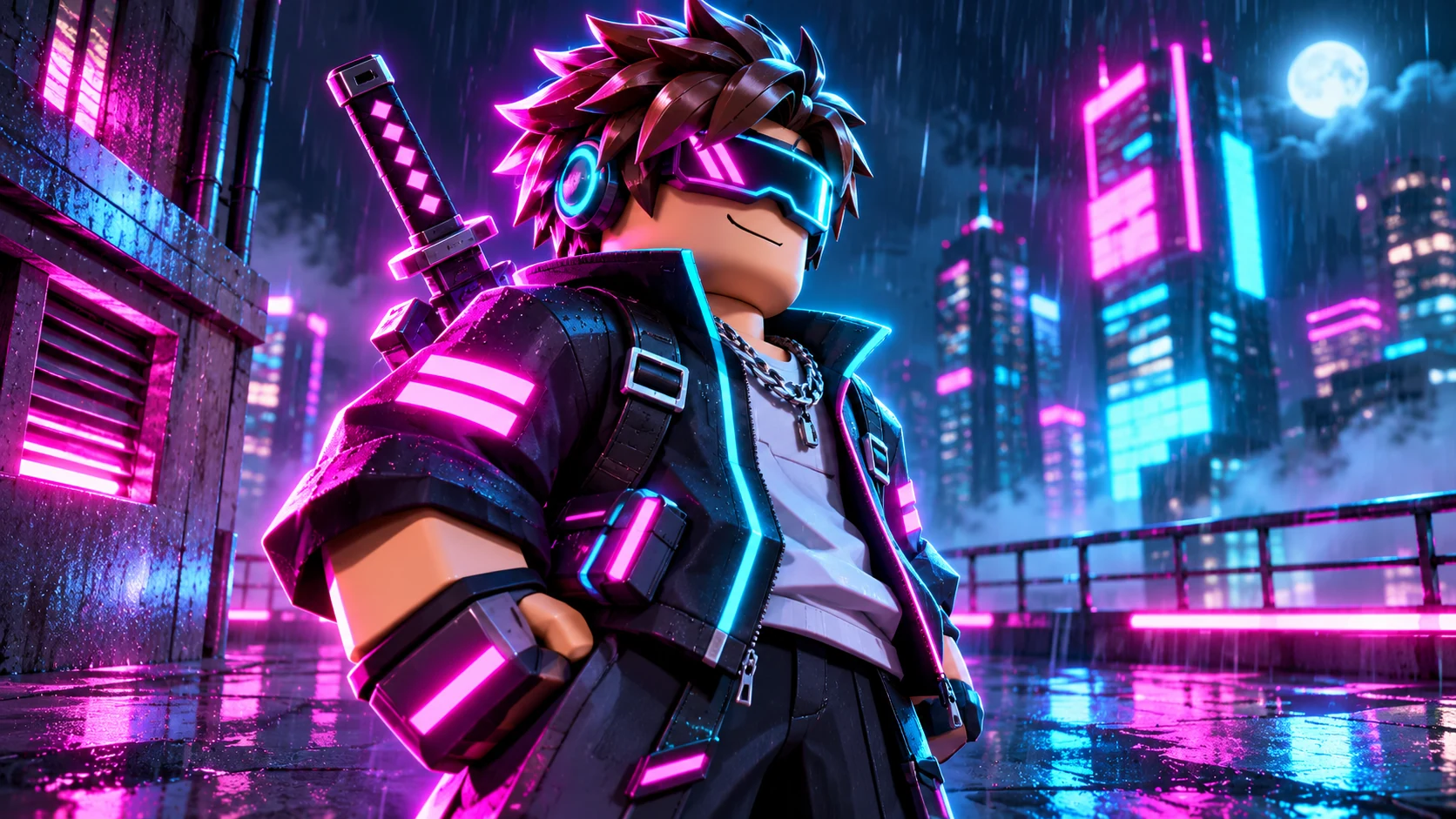
Cyberpunk · GFX
Cool blocky cyber-hunter with a glowing visor and streetwear jacket standing on a rain-slicked neon rooftop at night with magenta and cyan bokeh city lights.
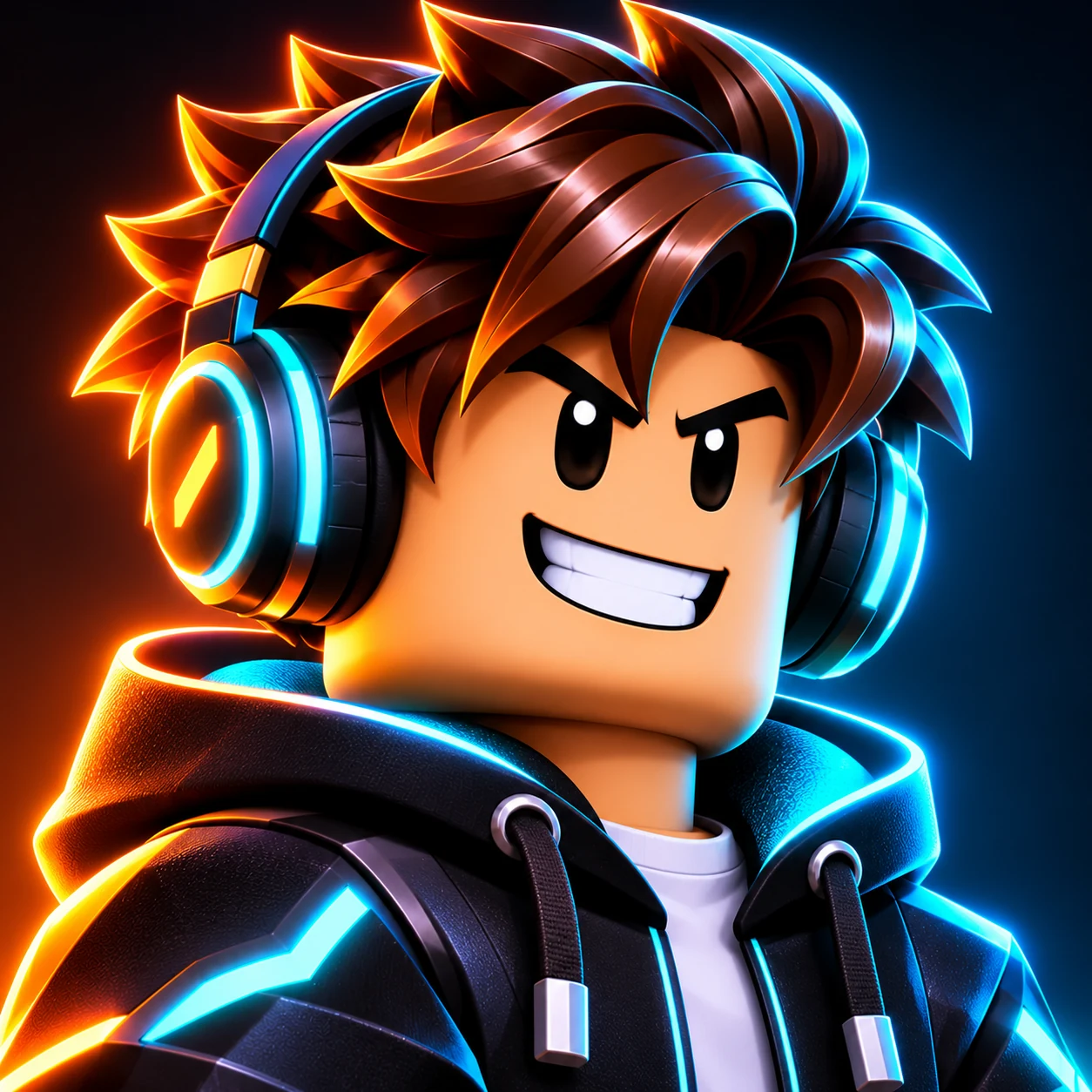
Gaming · Avatar Portrait
Head-and-shoulders 3D PFP of a stylish blocky creator wearing glowing cyan gaming headphones and a dark hoodie with dual orange and cyan rim lighting.
3-Step Pipeline
Choose 16:9 game thumbnail, 1:1 experience icon, 3D GFX, or avatar portrait. Start from a Roblox genre prompt or reference screenshot.
Generate studio-lit artwork in seconds and test it live inside our 150×150 Roblox Discover card preview before uploading.
Add bold stroked game titles, countdown hourglasses, or UPDATE / 2X badges right in the browser and export clean PNGs—never pay to tweak text.
Complete Creator Suite
1920 × 1080 · 16:9 Cover
Generate punchy 16:9 experience thumbnails engineered to grab attention on Roblox Discover and search feeds.
1024 × 1024 · Square Icon
Single-focal-point square icons built to stay sharp and readable even at 150×150 on mobile.
0 Credits · No Sign-Up Needed
Upload your existing icon, stamp an hourglass countdown, UPDATE, NEW, or 2X badge, and export a clean PNG free.
16:9 / 1:1 / 4:5 · Studio Render
Create Blender-style glossy 3D character renders, dramatic lighting, and promotional key art in seconds.
Why Developers Switch
| Feature | Traditional Commissions | BloxRender |
|---|---|---|
| Turnaround Time | 3–7 days waiting on GFX artists | Seconds from prompt or screenshot to PNG |
| Cost per Graphic | $15–$50+ per thumbnail or icon | As low as $0.19/render (Studio plan at full use) or $0 for browser title & badge tools |
| Title & Update Revisions | Paid revision rounds for every update | Instant 0-credit Overlay Studio for titles & badges |
| Discover 150px Readability | Guesswork until after you publish | Built-in 150×150 rounded Discover preview |
| Commercial Use | Negotiated per-artist license terms | Commercial use for your Roblox experiences & ads (subject to Roblox IP rules) |
Start with a square experience icon and a wide thumbnail. Use the icon to establish a recognizable symbol and the thumbnail to show the setting, main activity, or player goal.
Use the same character or color palette across both. Make a separate square composition for the icon so its focal point stays clear when the image is scaled down.
Include the game genre, core activity, main character or object, target placement, and any reference images you have permission to use. Note the details that must stay accurate to the experience.
Save your main palette, character references, and original compositions. Reuse those elements and feature one visible change from each update.
Start with 4 free credits on signup—or stamp an update badge on your icon right now with zero login.