
3D GFX Render1920×1080
Cyberpunk
Neon Alley
Cyberpunk · GFX
Prompt Recipe
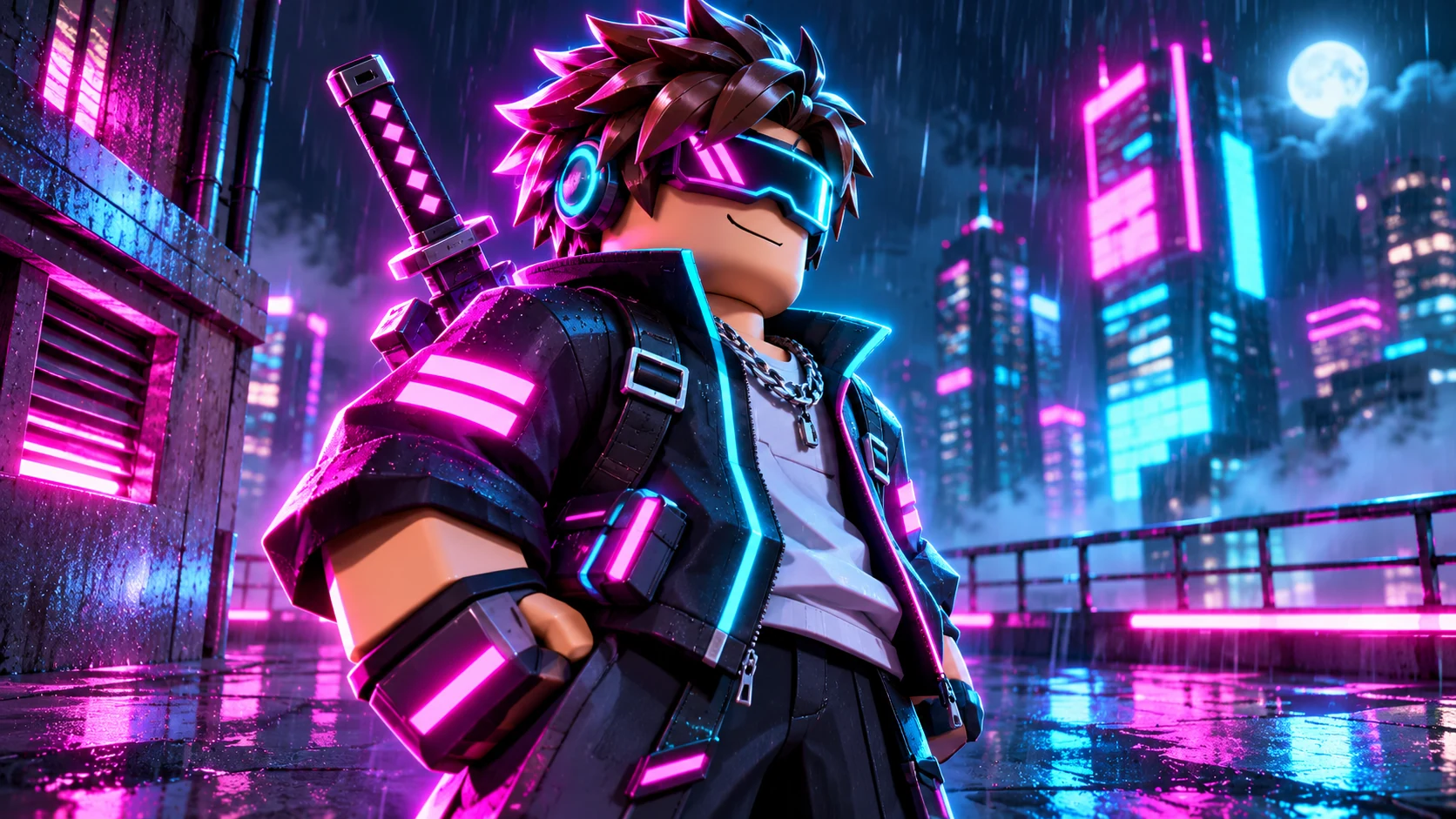
Cool blocky cyber-hunter with a glowing visor and streetwear jacket standing on a rain-slicked neon rooftop at night with magenta and cyan bokeh city lights.
Compose Roblox character scenes for banners, announcements, and community graphics.
Cyberpunk · GFX
Cool blocky cyber-hunter with a glowing visor and streetwear jacket standing on a rain-slicked neon rooftop at night with magenta and cyan bokeh city lights.
Pick a pose and place the brightest light where it separates the character from the scene.
Choose your style and format in the workspace and review the credit cost before submitting.
Look for a clear silhouette before adding effects or text. Download the finished PNG from the result.
Give the face, pose, and key prop separate space. Test the crop for the placement you intend to use.
Use 16:9 for a game banner with room around the character. For group icons and square posts, frame the pose in 1:1. Choose 4:5 for a promotional poster that shows the character from head to toe.
Roblox GFX is a stylized image featuring Roblox-style characters or environments. Common uses include community banners, event announcements, and promotional scenes.
Provide views of the outfit, accessories, and colors that need to be recognizable. Describe the pose and lighting separately, and use references you have permission to share.
Use the banner’s published dimensions and place the character where it will survive mobile cropping. Leave open space for any title or announcement copy.
Add a rim light or a lighter section of background behind the character. Check that you can identify the head and pose in a small preview.