
Make the wordmark read first
Keep internal spacing generous and use a short title. Try the same lettering over both a clean field and a busy game scene.
Style your game title, check it over game art, and download a transparent PNG. The editor runs in your browser with zero credits and no sign-in.
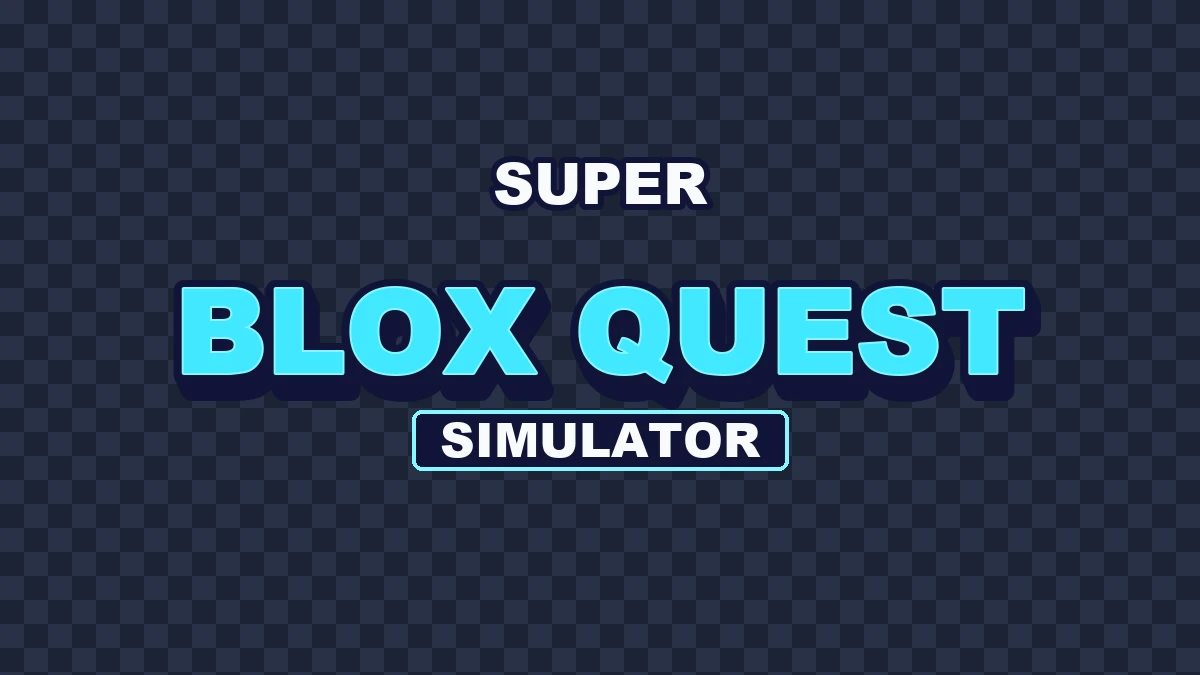
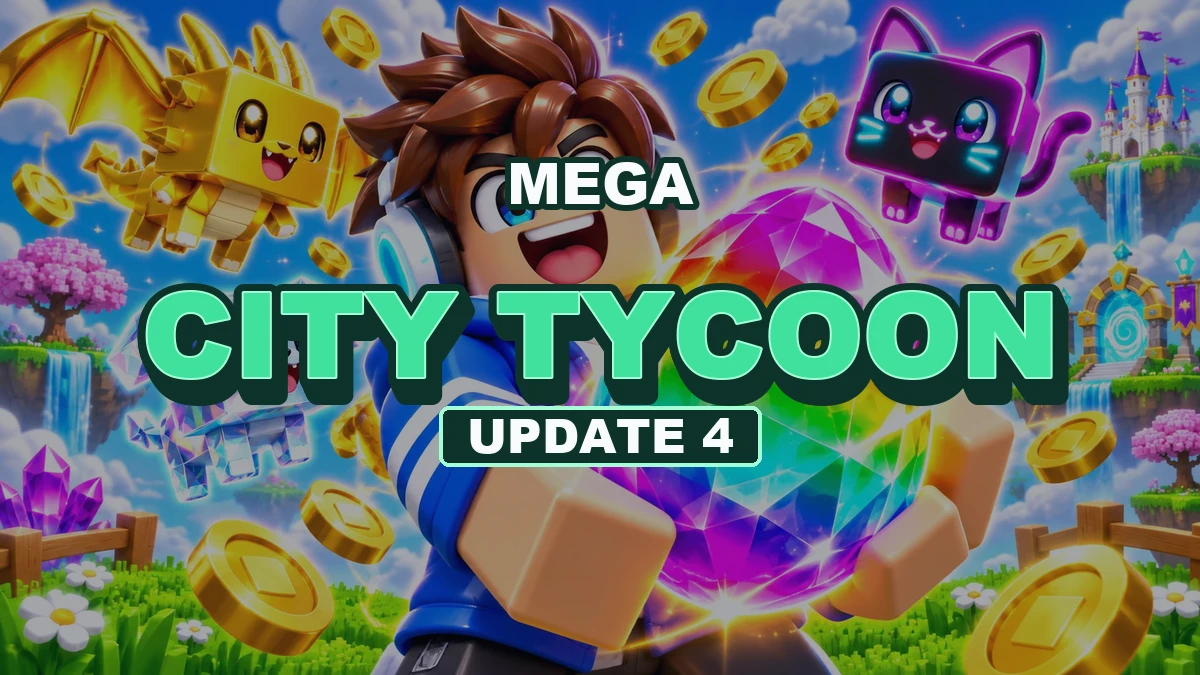
Start with the game name and one shape or color that makes it identifiable.
Check letter spacing and contrast at the size where the logo will appear.
Review the composition at its final display size and export it from the workspace.
Keep internal spacing generous and use a short title. Try the same lettering over both a clean field and a busy game scene.
Use a square image of at least 512 × 512. Roblox may display the icon at 150 × 150, so check the silhouette and any lettering at that size.
Roblox Creator Hub icon guideYes. Editing and PNG export run on your device and cost zero credits. You can start with just your game title.
Each preset changes the lettering style, colors, depth, and tilt. Your game title, kicker, and subtitle stay in place.
Over Game Art lets you check contrast against two sample thumbnails. The PNG has a transparent background by default. Select Include dark backdrop in PNG for a solid studio background.
The full canvas is 1600 × 900. Select Trim transparent edges to crop around the visible lettering and effects with 12 pixels of padding on each side.