
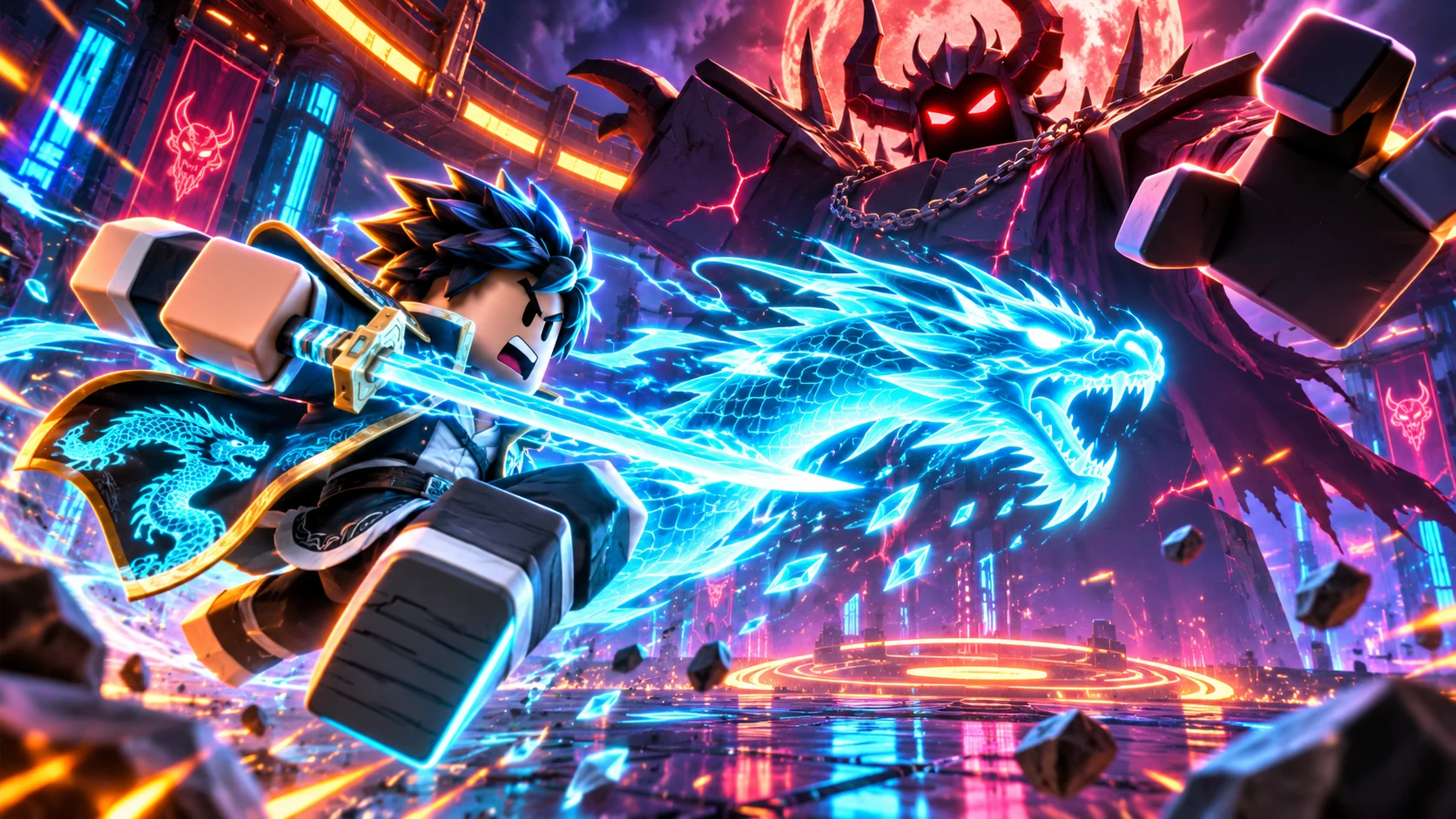
16:9 Thumbnail1920×1080
Anime
Skyblade Duel
Anime · Thumbnail
Prompt Recipe
Heroic blocky anime warrior mid-air unleashing a glowing electric cyan dragon energy slash against a giant shadowy boss in a neon arena, Blender Cycles glossy 3D render.
Build a wide thumbnail around a character, scene, or gameplay moment players can recognize at a glance.
Anime · Thumbnail
Heroic blocky anime warrior mid-air unleashing a glowing electric cyan dragon energy slash against a giant shadowy boss in a neon arena, Blender Cycles glossy 3D render.
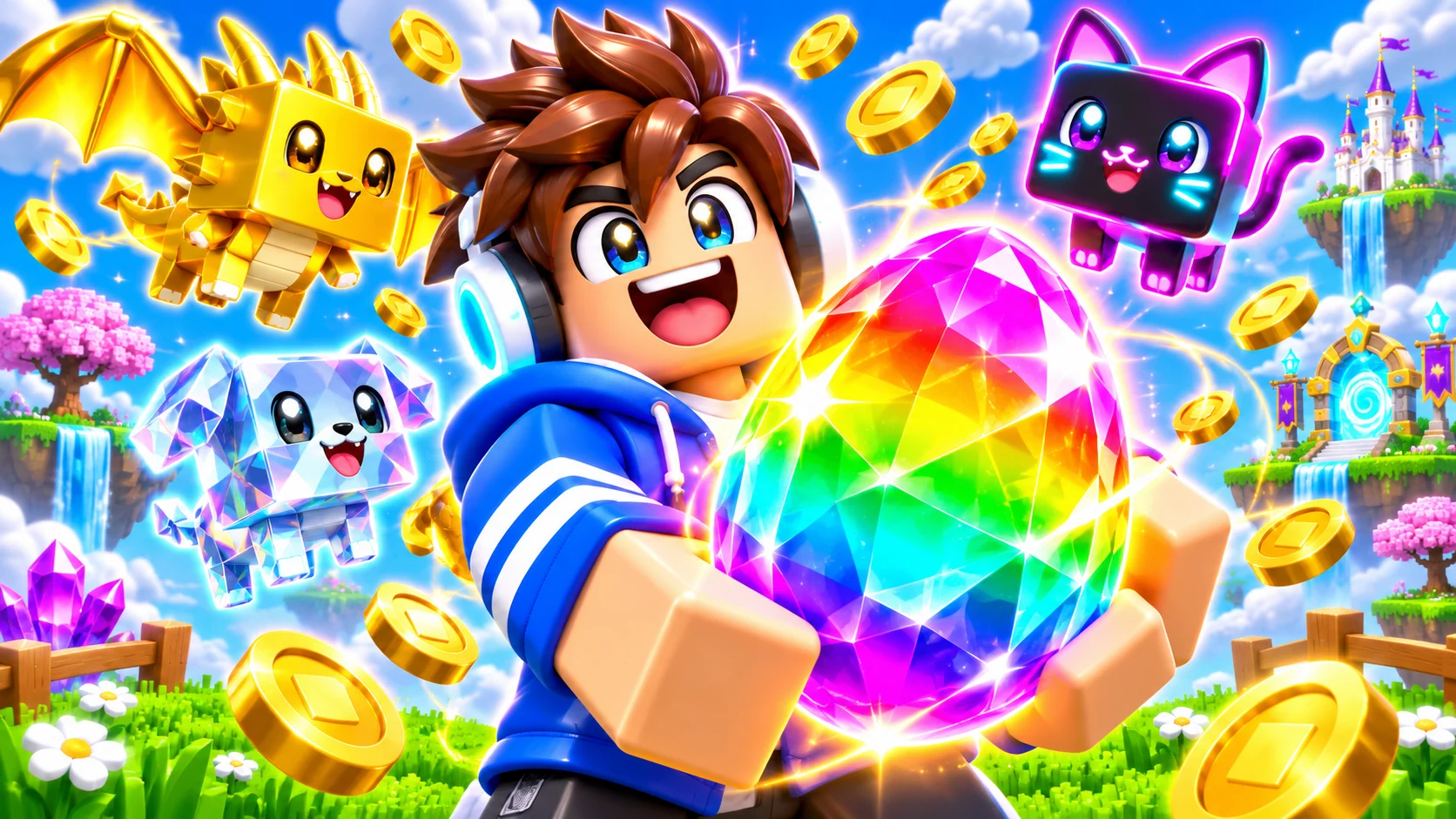
Simulator · Thumbnail
Excited blocky character holding a giant glowing rainbow crystal pet egg surrounded by cute floating cube pets and flying gold coins on a sunny sky island, glossy 3D render.
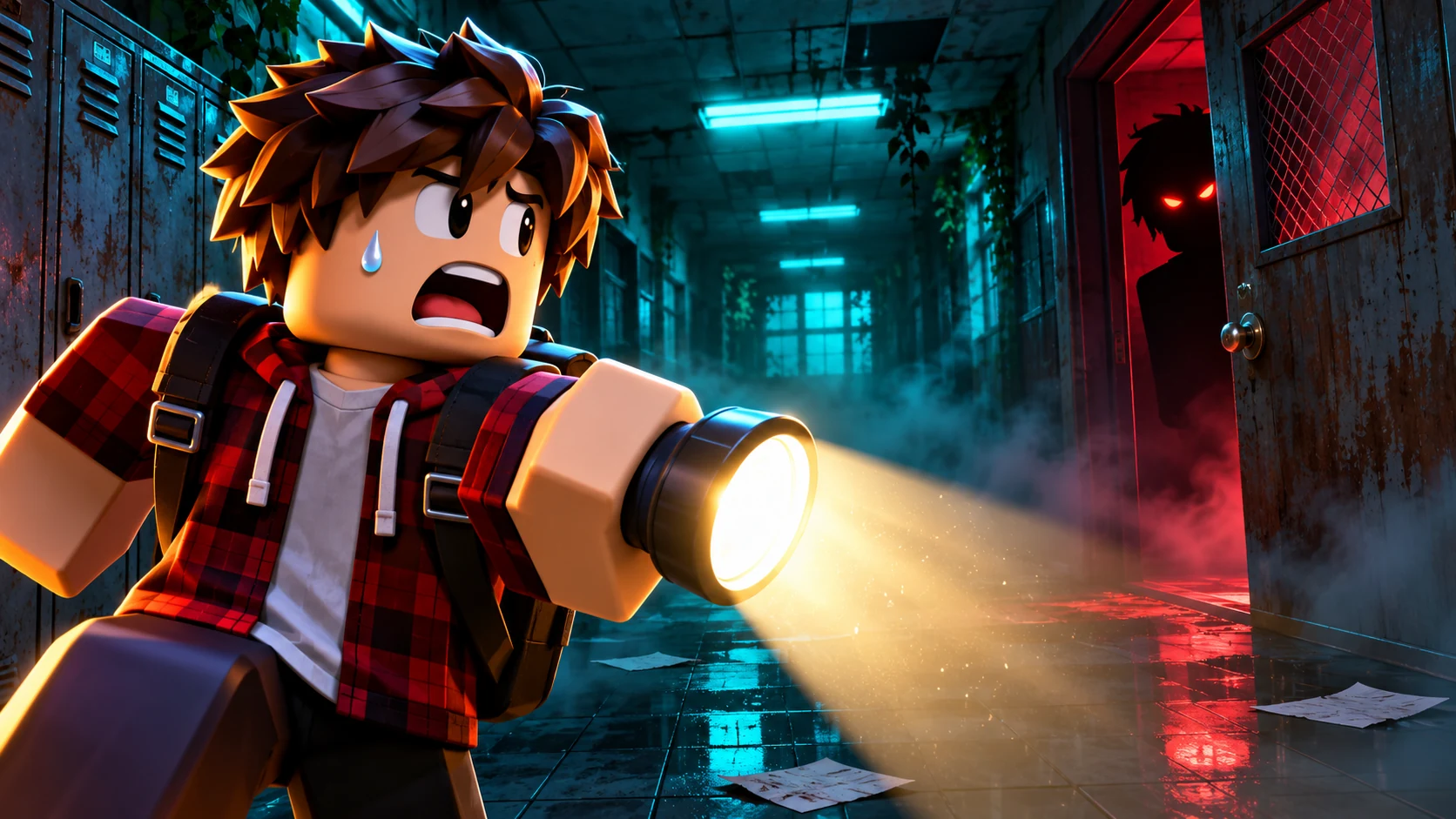
Horror · Thumbnail
Scared blocky survivor shining a bright volumetric flashlight down a dark foggy school hallway as a tall dark figure with glowing crimson eyes peeks from a half-open door.
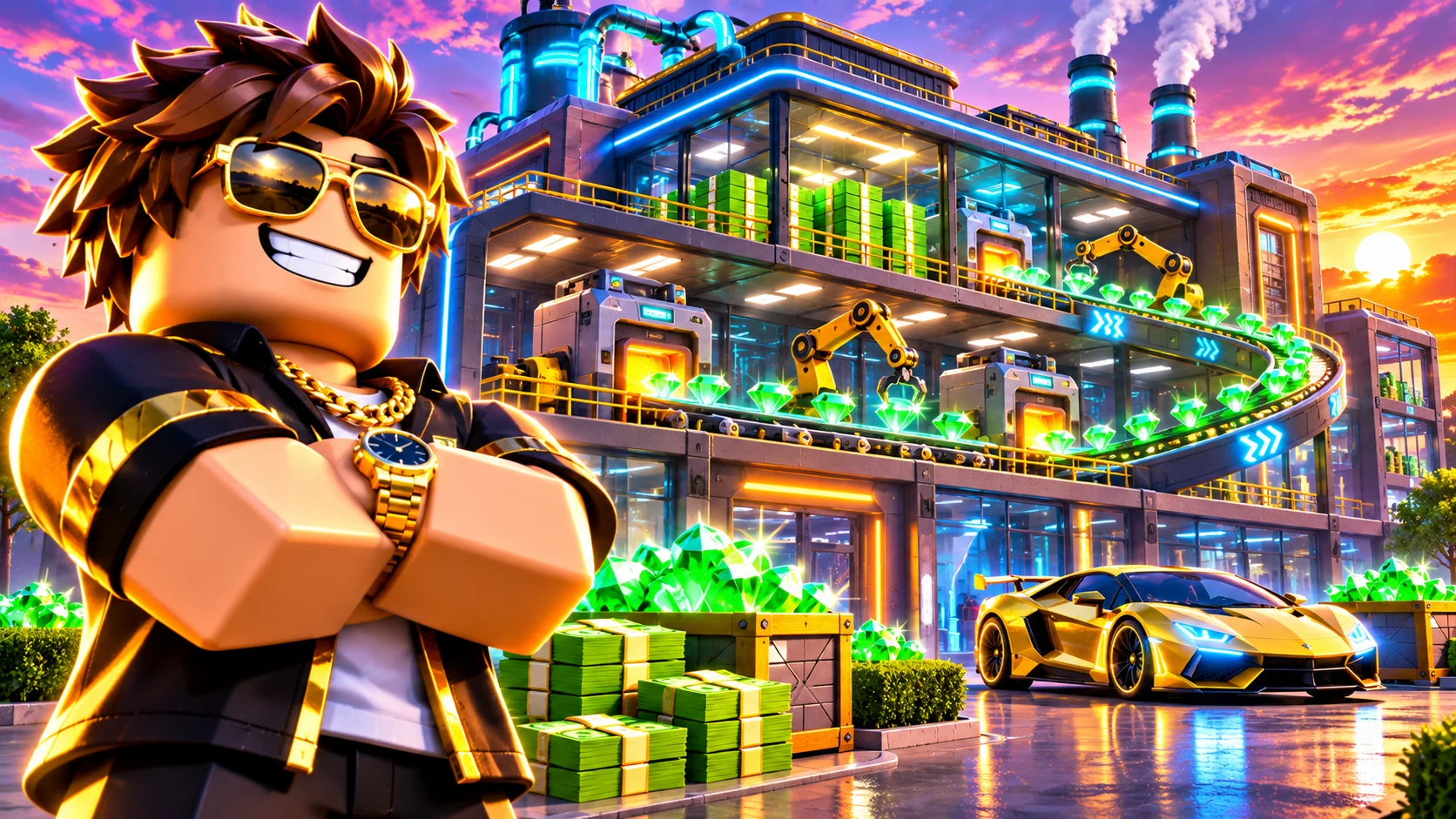
Tycoon · Thumbnail
Proud blocky tycoon wearing golden sunglasses in front of a multi-story futuristic mega factory with neon emerald conveyors, cash stacks, and a sports car at sunset.
Start with one character, action, or feature that players will recognize from your game.
Choose your style and format in the workspace and review the credit cost before submitting.
Keep your title and main subject clear of the bottom edge. Download the finished PNG from the result.
Roblox recommends 1920 × 1080 at 16:9. PNG is supported. Keep essential text and artwork away from the bottom edge, where player metadata can overlap the image.
Roblox Creator Hub thumbnail guideUse the thumbnail to communicate one feature or activity players will find in your game. Check that it still reads when the whole image is scaled down.
Use a 1920 × 1080 canvas to work in 16:9. Keep the character and key props away from the edges so they survive tighter previews.
Describe one main subject, what it is doing, where it happens, and the mood. Include a specific gameplay detail that helps players recognize the experience.
Include the title only when it helps identify the experience. Use large, high-contrast lettering and inspect the image at the size players are likely to see it.
Feature one addition, such as a new map, character, or challenge. Keep the established palette or character style so returning players can identify the game.