
Avatar PFP1024×1024
Gaming
Neon Creator
Gaming · Avatar Portrait
Prompt Recipe
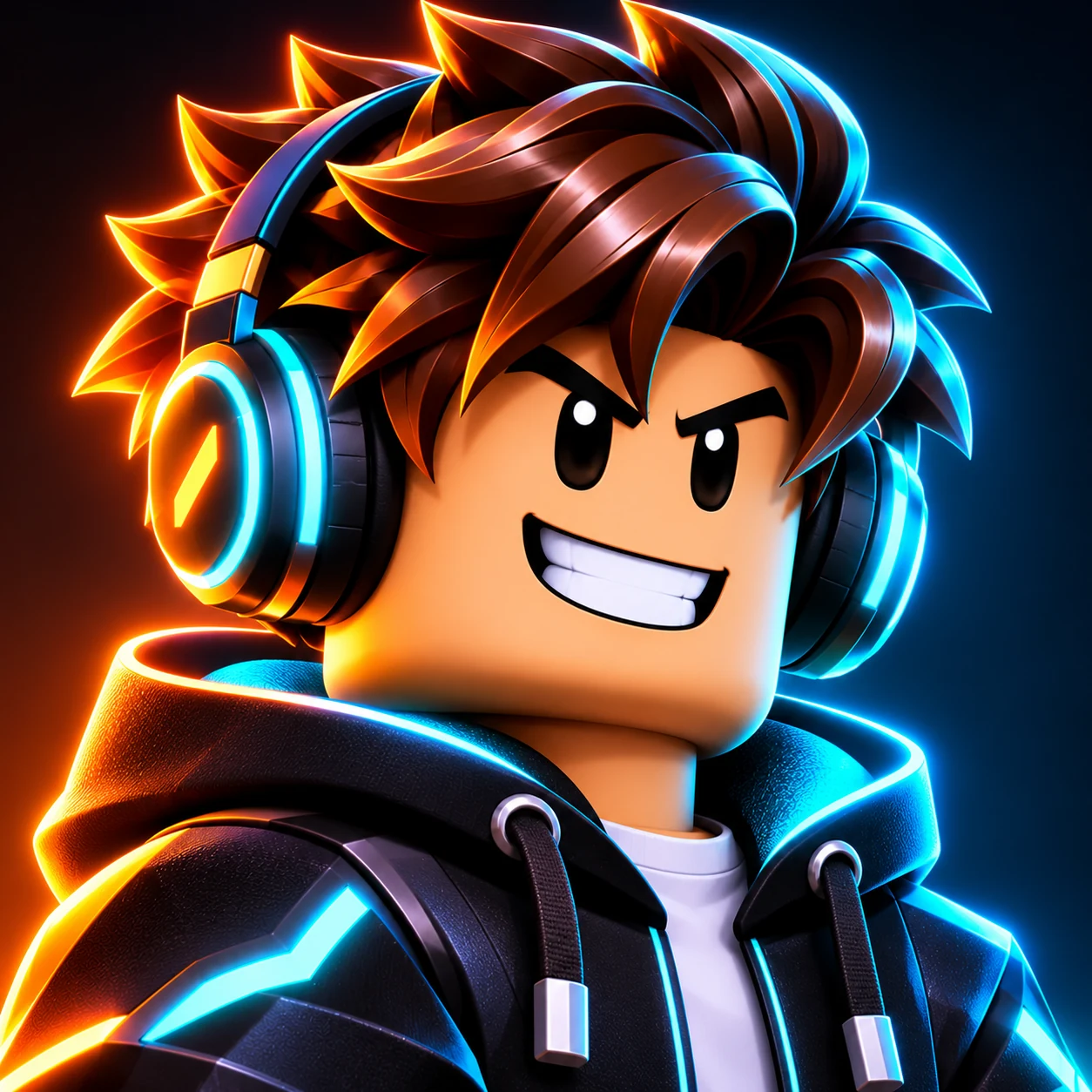
Head-and-shoulders 3D PFP of a stylish blocky creator wearing glowing cyan gaming headphones and a dark hoodie with dual orange and cyan rim lighting.
Frame a Roblox avatar for profile images with a clear face, recognizable accessories, and room for a circular crop.
Gaming · Avatar Portrait
Head-and-shoulders 3D PFP of a stylish blocky creator wearing glowing cyan gaming headphones and a dark hoodie with dual orange and cyan rim lighting.
Use a close-up that keeps your avatar’s face and signature accessories visible.
Choose your style and format in the workspace and review the credit cost before submitting.
Leave space above the head and at both sides for circular profile crops. Download the finished PNG from the result.
Use a head-and-shoulders view. Check the portrait at profile-picture size so the eyes and expression stay distinct against the background.
Center the face in the square and leave padding above hats and on both sides of headphones. Preview a circle inside the square to see which details near the corners will be cropped.
A 1024 × 1024 square is a practical master image. Check the destination’s upload limit before exporting a smaller copy.
Center the face and leave padding around the hair, hat, or ears. Preview the portrait with a circle mask to catch anything the crop would cut off.
List the hairstyle, face, outfit, and signature accessories. If you use a reference, choose a front or three-quarter view where those details are visible.
A solid color or a soft gradient keeps attention on the avatar. Choose a value that contrasts with the outline of the hair, headwear, or shoulders.