
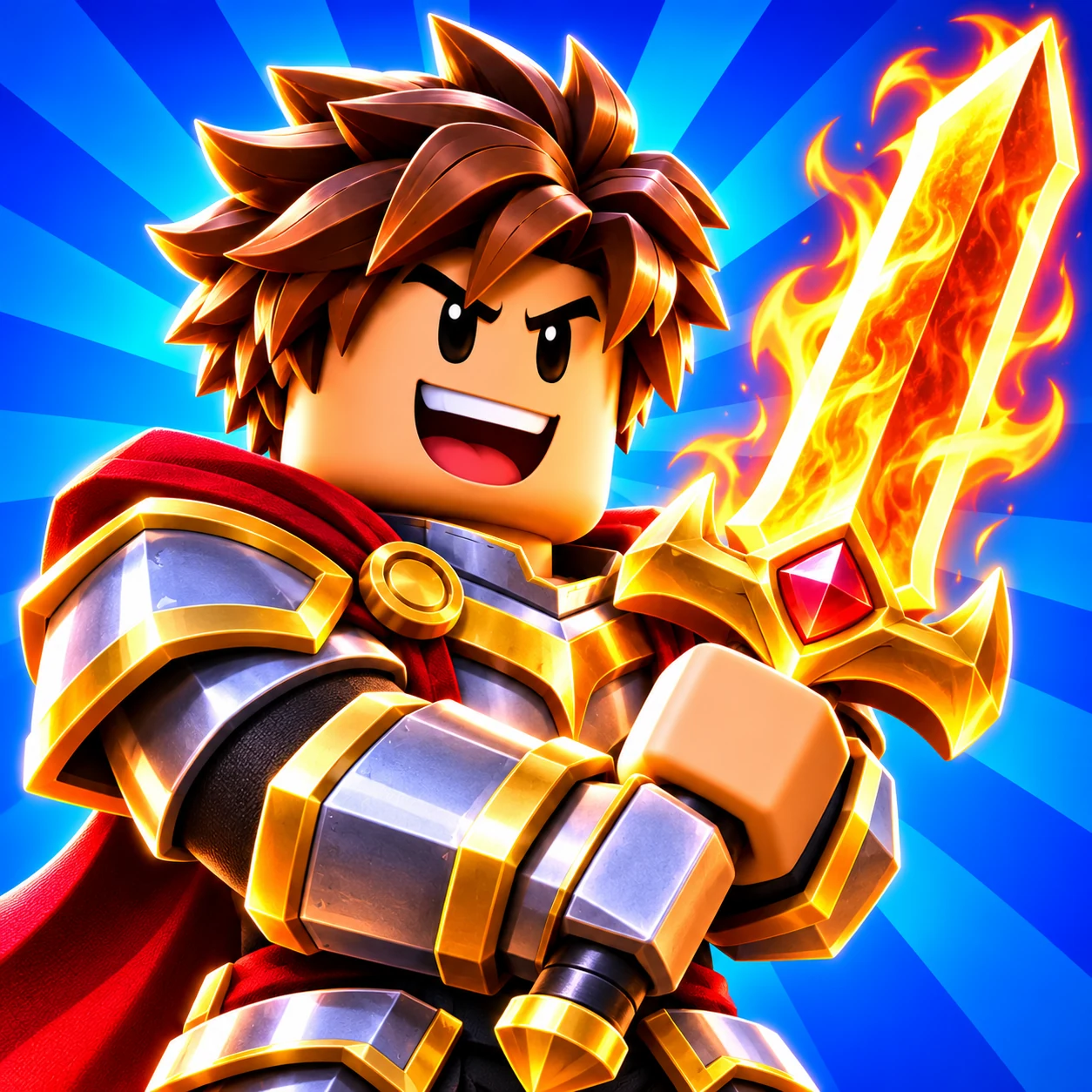
1:1 Game Icon1024×1024
Fantasy
Ember Knight
Fantasy · Game Icon
Prompt Recipe
Close-up centered 1:1 game icon of a smiling blocky armored knight raising a blazing orange fire sword against a vibrant royal-blue sunburst background.
Give your experience a square icon built around a character, item, or symbol players can recognize in a small preview.
Fantasy · Game Icon
Close-up centered 1:1 game icon of a smiling blocky armored knight raising a blazing orange fire sword against a vibrant royal-blue sunburst background.
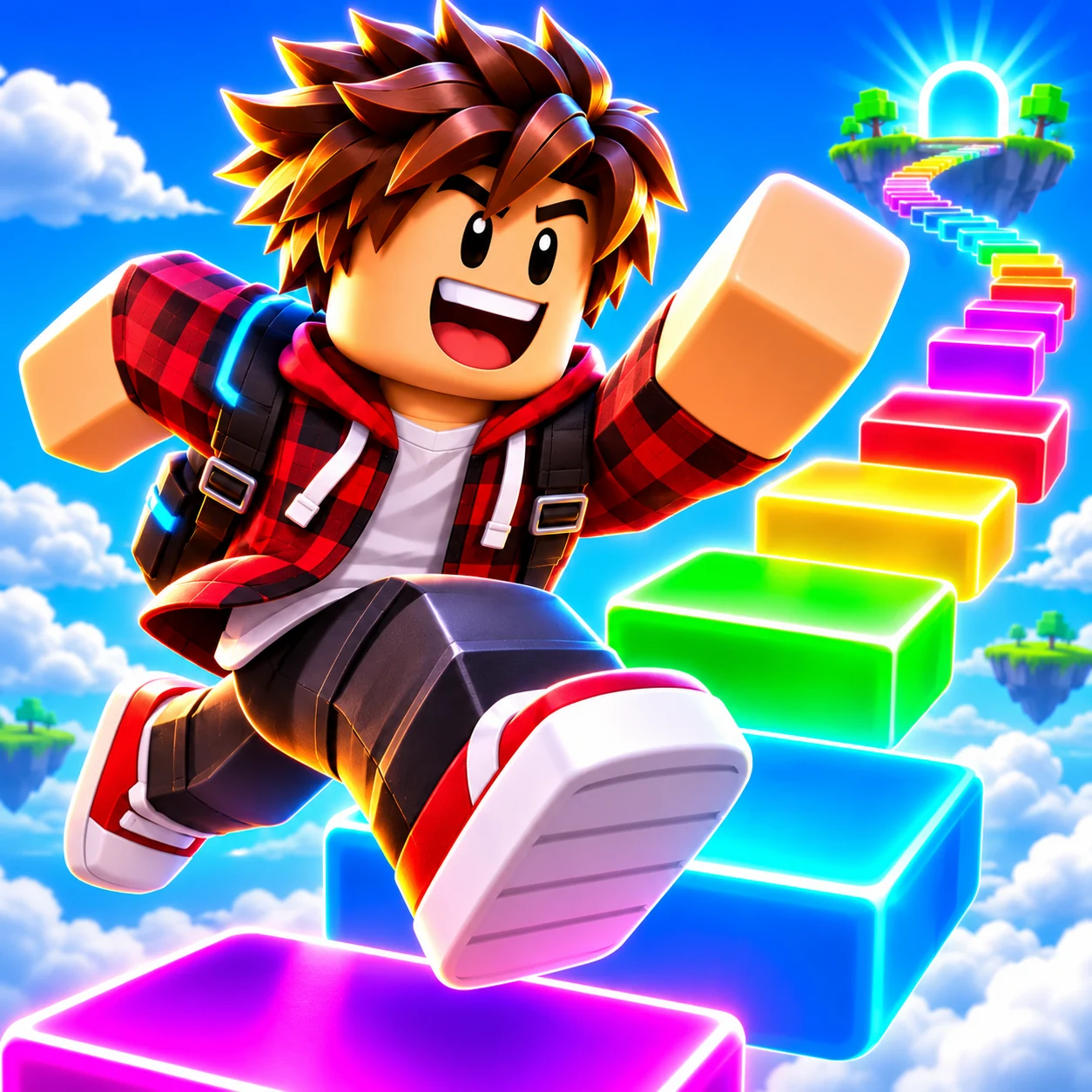
Obby · Game Icon
Smiling blocky runner mid-leap over glowing neon rainbow floating obby blocks high above fluffy white clouds against a vivid sky-blue background.
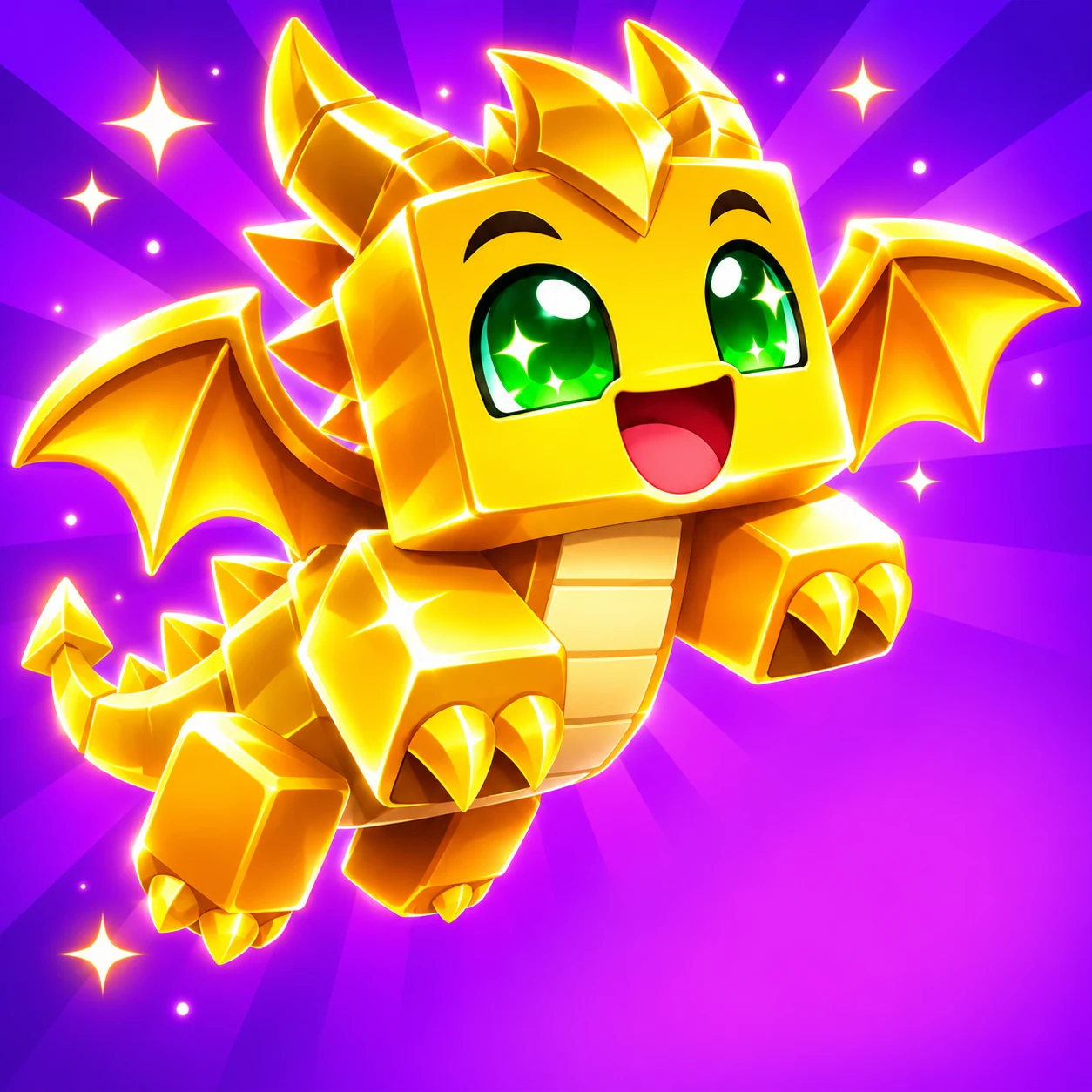
Pets · Game Icon
Cute shiny golden blocky dragon pet smiling with sparkling emerald eyes over a vibrant purple-to-magenta radial sunburst with glowing stars.
Choose one large subject with a silhouette players can recognize in a list of games.
Choose your style and format in the workspace and review the credit cost before submitting.
Check the rounded preview for crowded corners and hard-to-read lettering. Download the finished PNG from the result.
Use a square image of at least 512 × 512. Roblox may display the icon at 150 × 150, so check the silhouette and any lettering at that size.
Roblox Creator Hub icon guideCenter the strongest shape, give it room to breathe, and check the finished icon against a dark background at 150 pixels.
Use a 1024 × 1024 working master (Roblox accepts square icons of at least 512 × 512). Preview it at 150 × 150 to check the silhouette and lettering.
Choose one recognizable shape, make it large in the frame, and use a background that contrasts with its edges. Preview the icon at 48 pixels to see which details survive.
Yes. Give the character a tighter crop and simplify the background. A face, helmet, or signature accessory can carry the identity on its own.
Use lettering only when it remains readable at small sizes. A short monogram can work when it already forms part of the game’s visual identity.